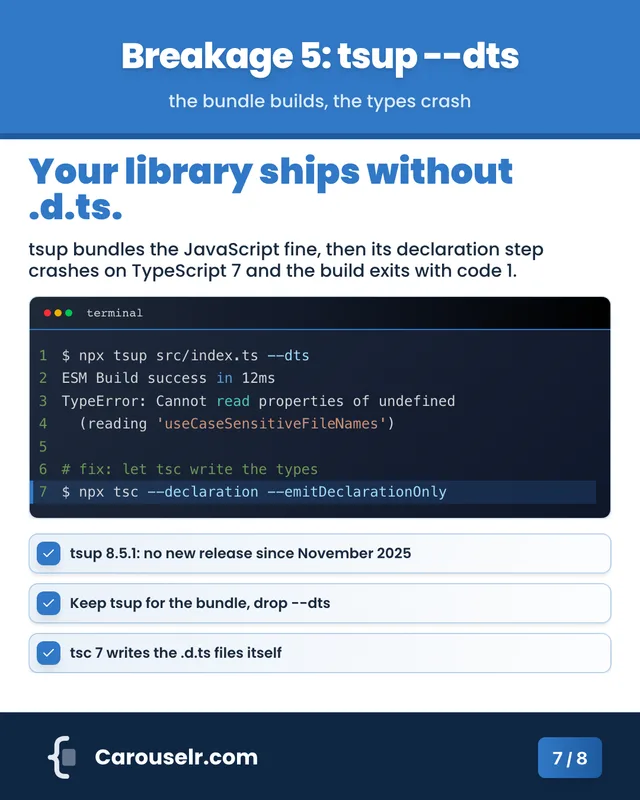
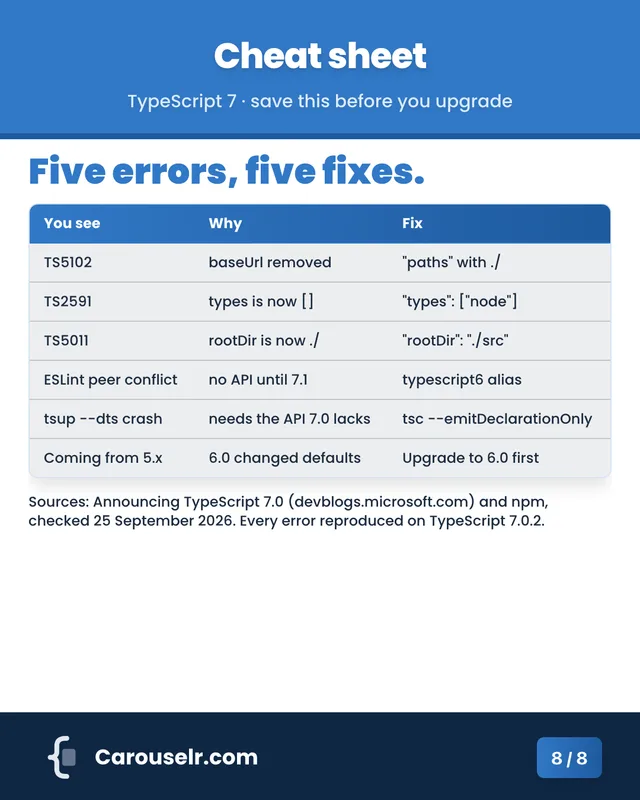
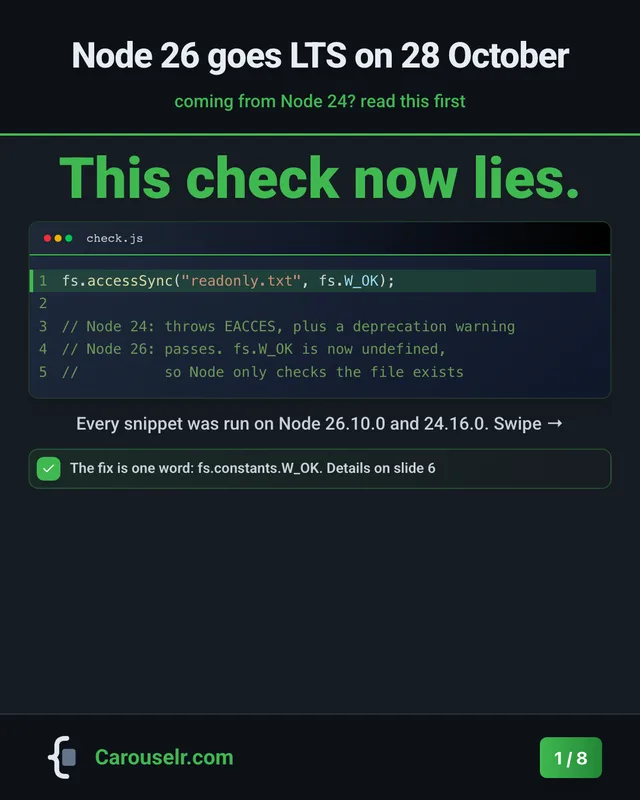
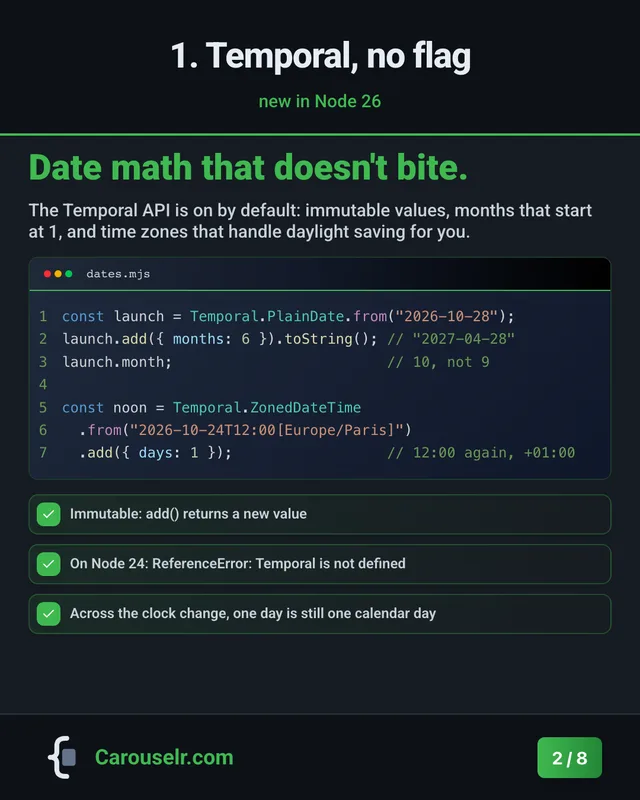
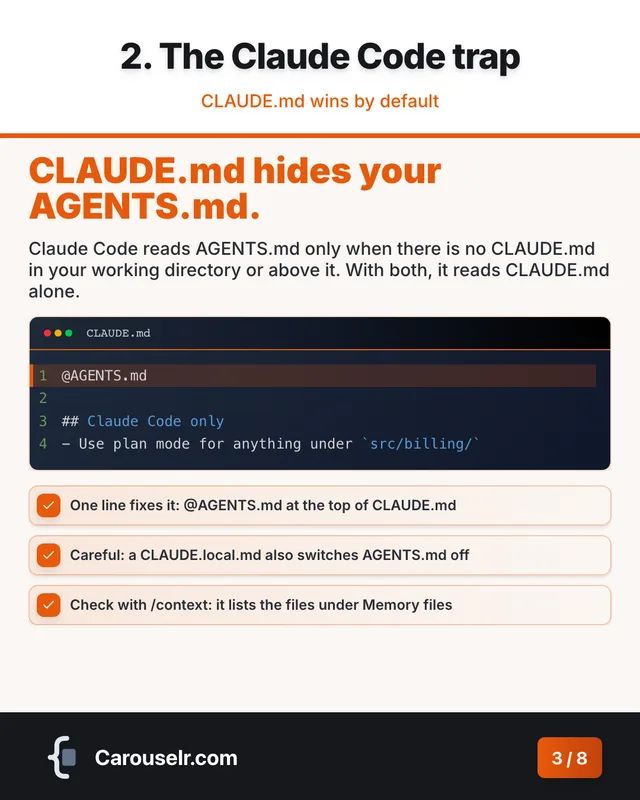
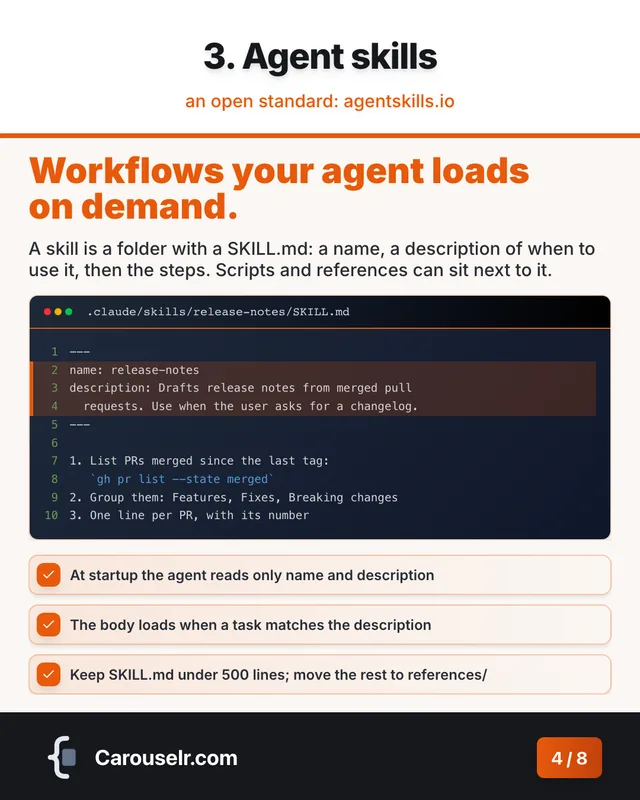
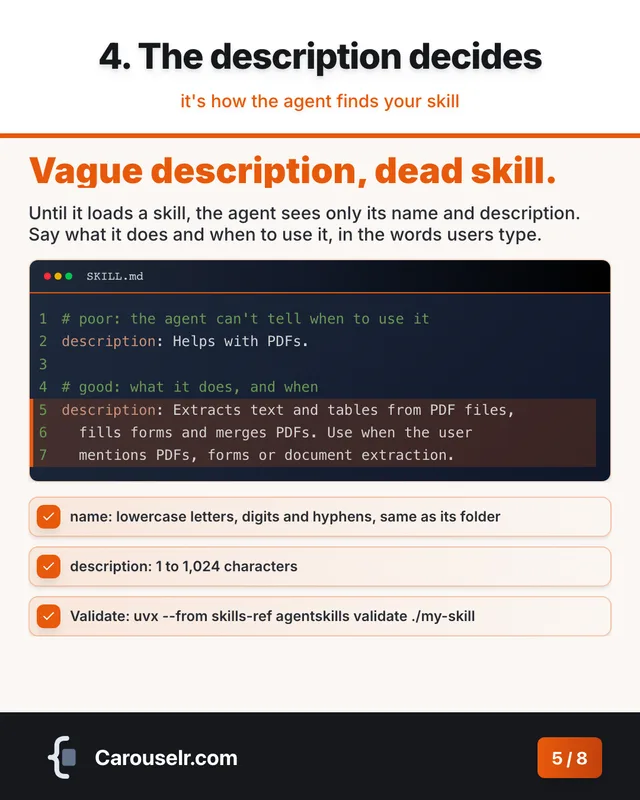
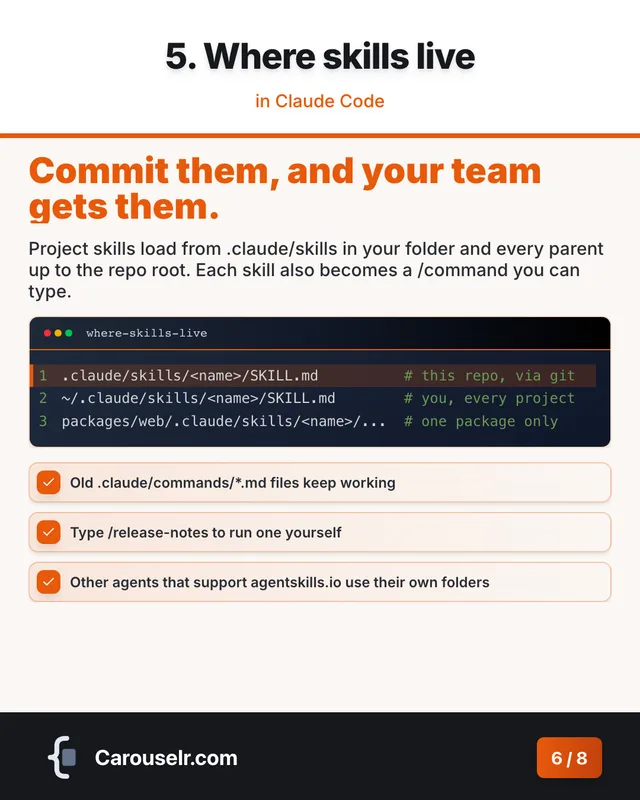
Code carousels, not code screenshots.

Real syntax highlighting and line highlights in a 4:5 layout made for the LinkedIn feed. AI drafts the slides from one topic line.
  • Free plan
  • No card needed
  • PDF ready for LinkedIn
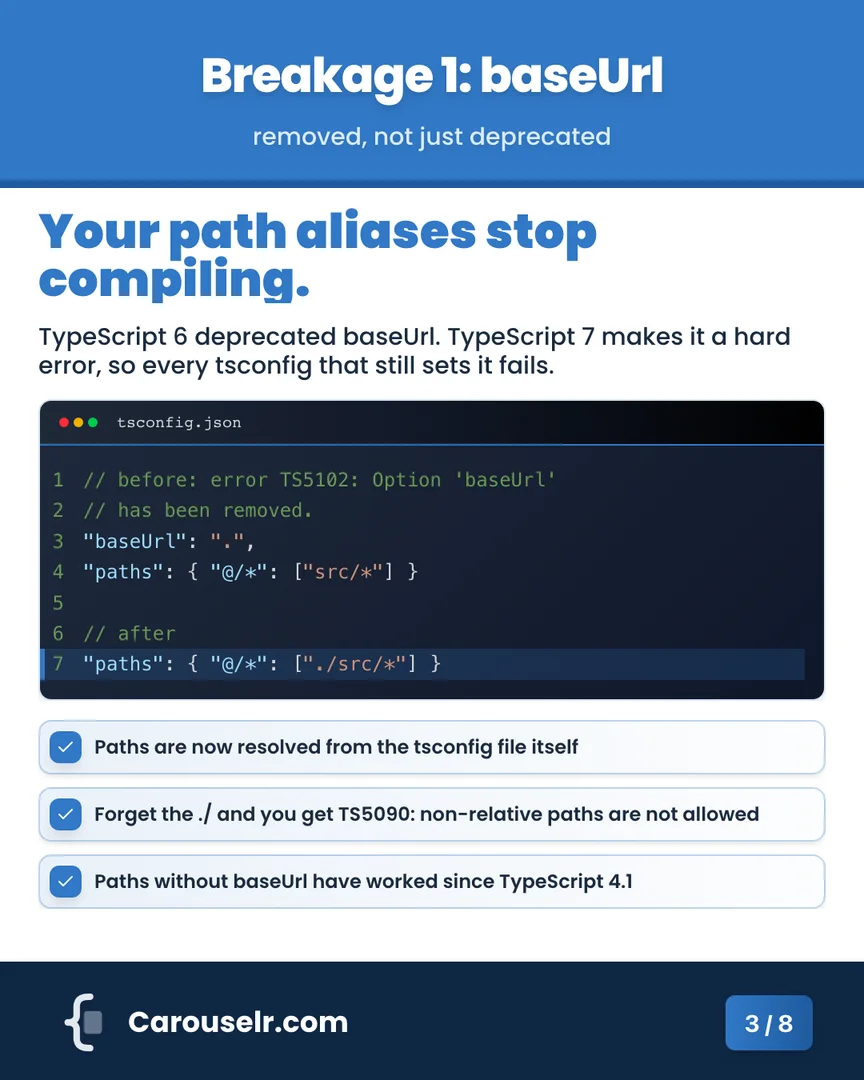
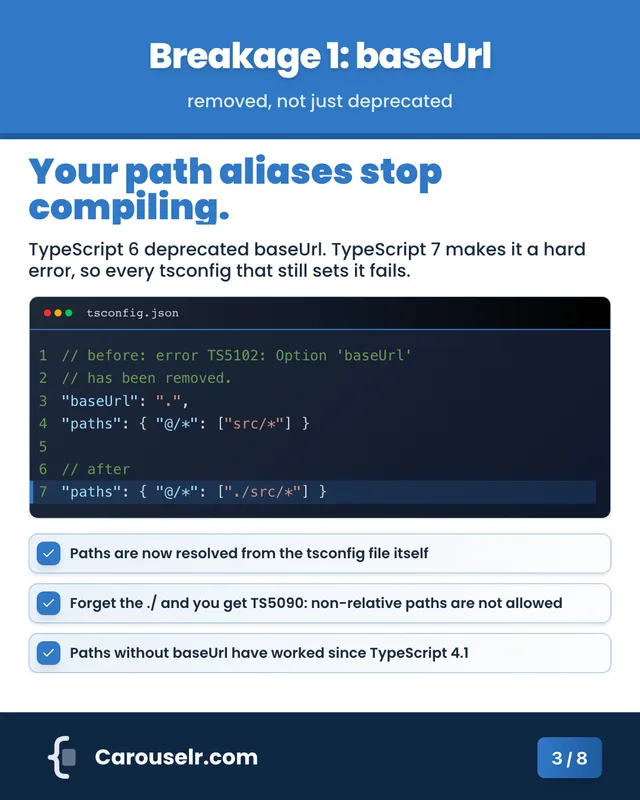
A Carouselr slide: 'Your path aliases stop compiling.', with a highlighted tsconfig.json code block and three key points about TypeScript 7.

A screenshot shows code. A carousel explains it.

The same Node 26 snippet, posted two ways.
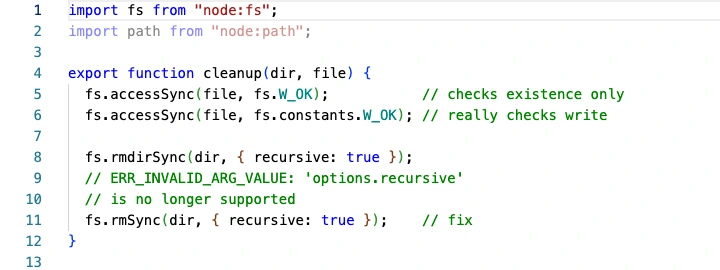
A code screenshot
A light editor screenshot of cleanup.js: thirteen lines of JavaScript, no title, no highlighted line.
  • The reader hunts for the line that matters
  • The point lives in your caption
  • Everything in one image
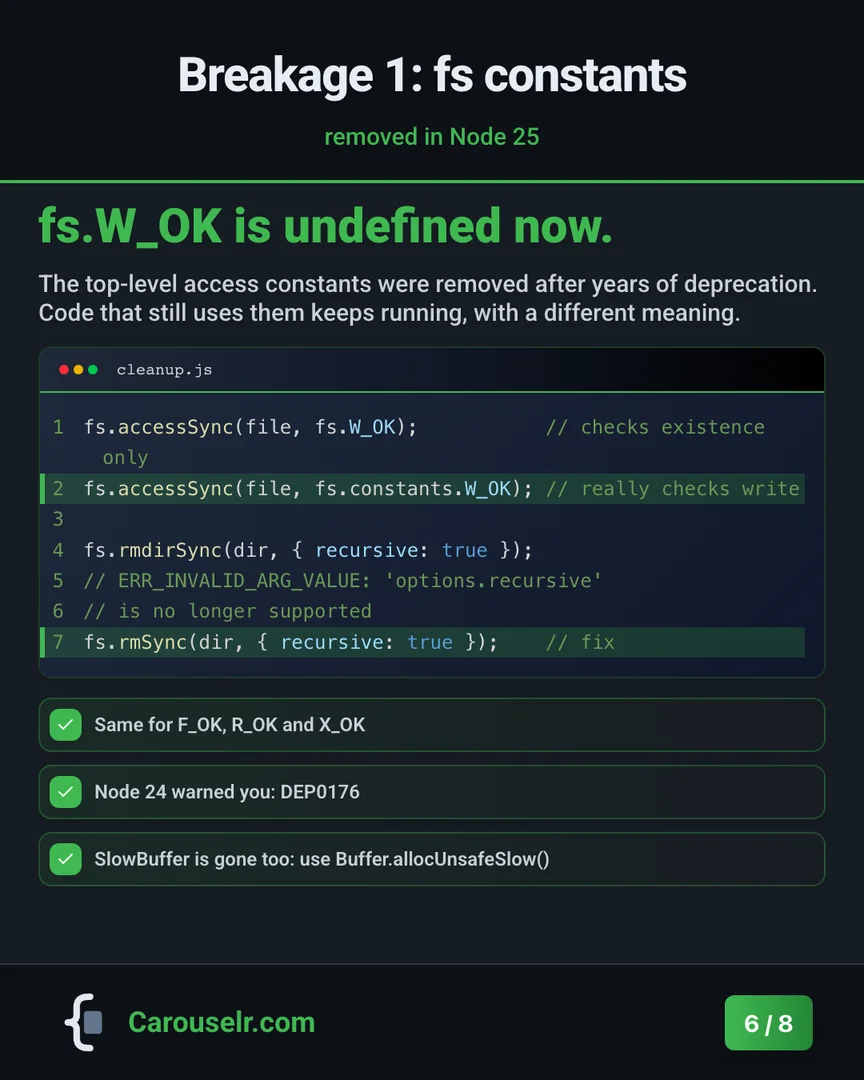
A Carouselr slide
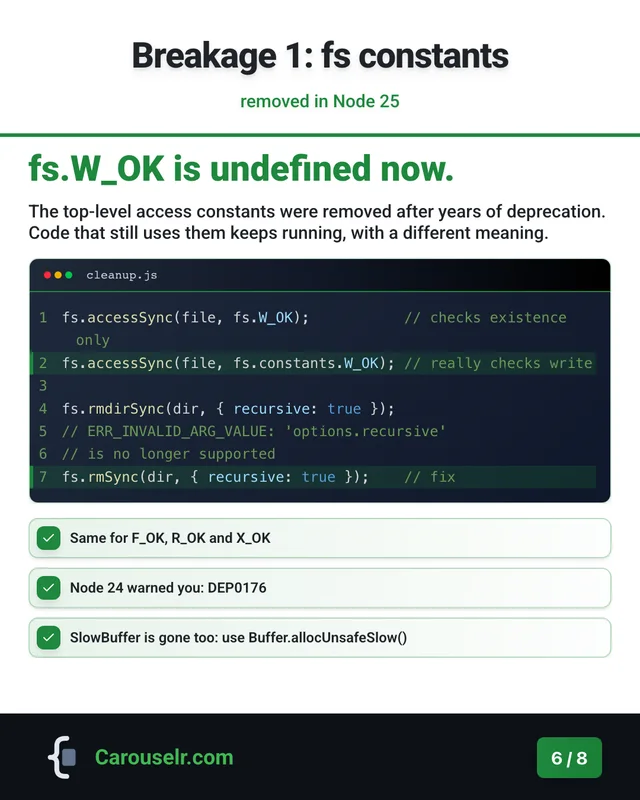
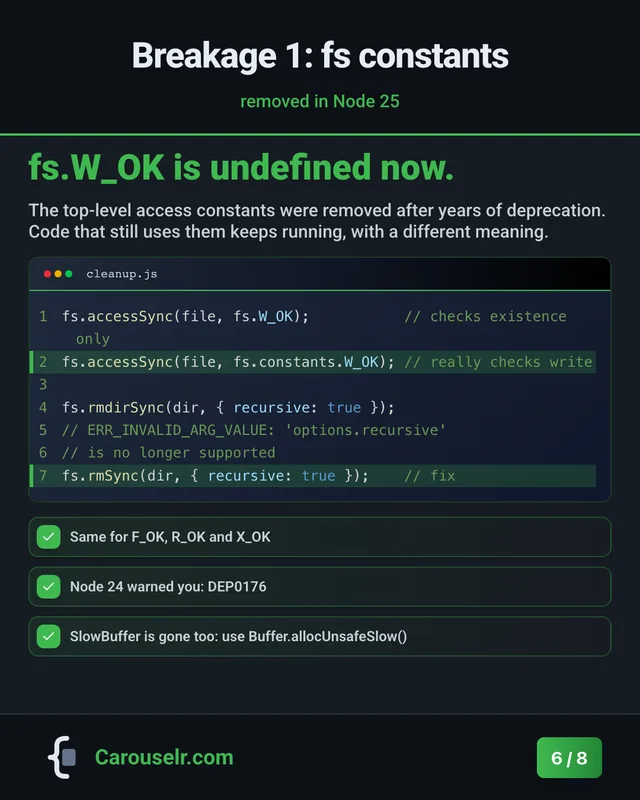
The same code as a Carouselr slide: the title 'fs.W_OK is undefined now.', a short explanation, cleanup.js with two highlighted lines, and three key points.
  • That line is highlighted
  • The point is the slide's title
  • One idea per slide, in order

From topic to post in three moves.

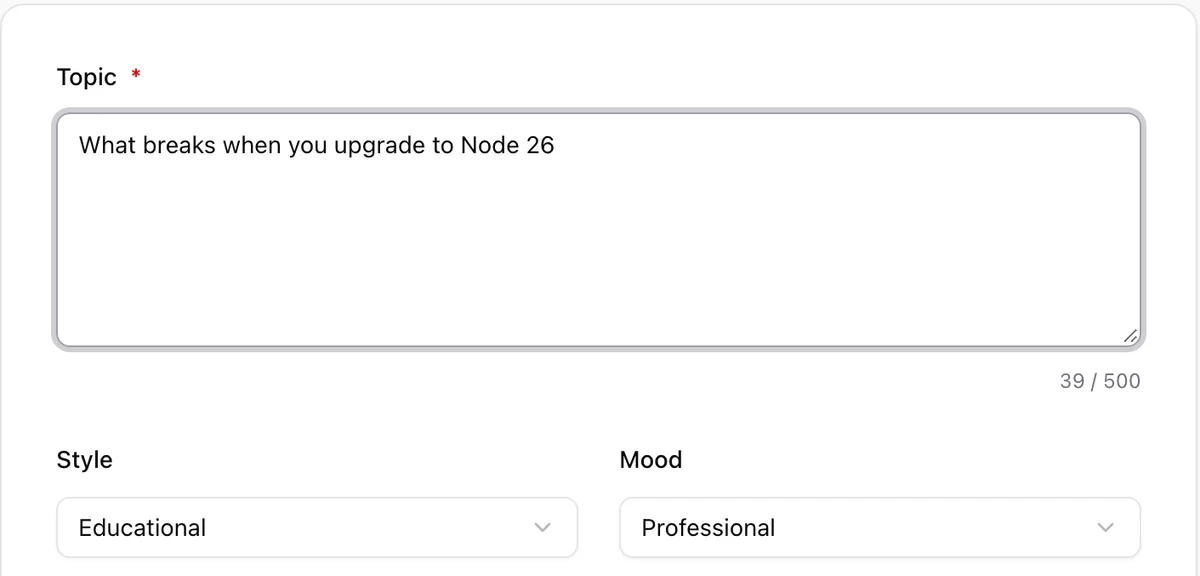
  1. The Generate with AI form in Carouselr, with the topic 'What breaks when you upgrade to Node 26' typed in.

    1 Type a topic

    One line is enough. Pick the style, the audience, the colours and how many slides.
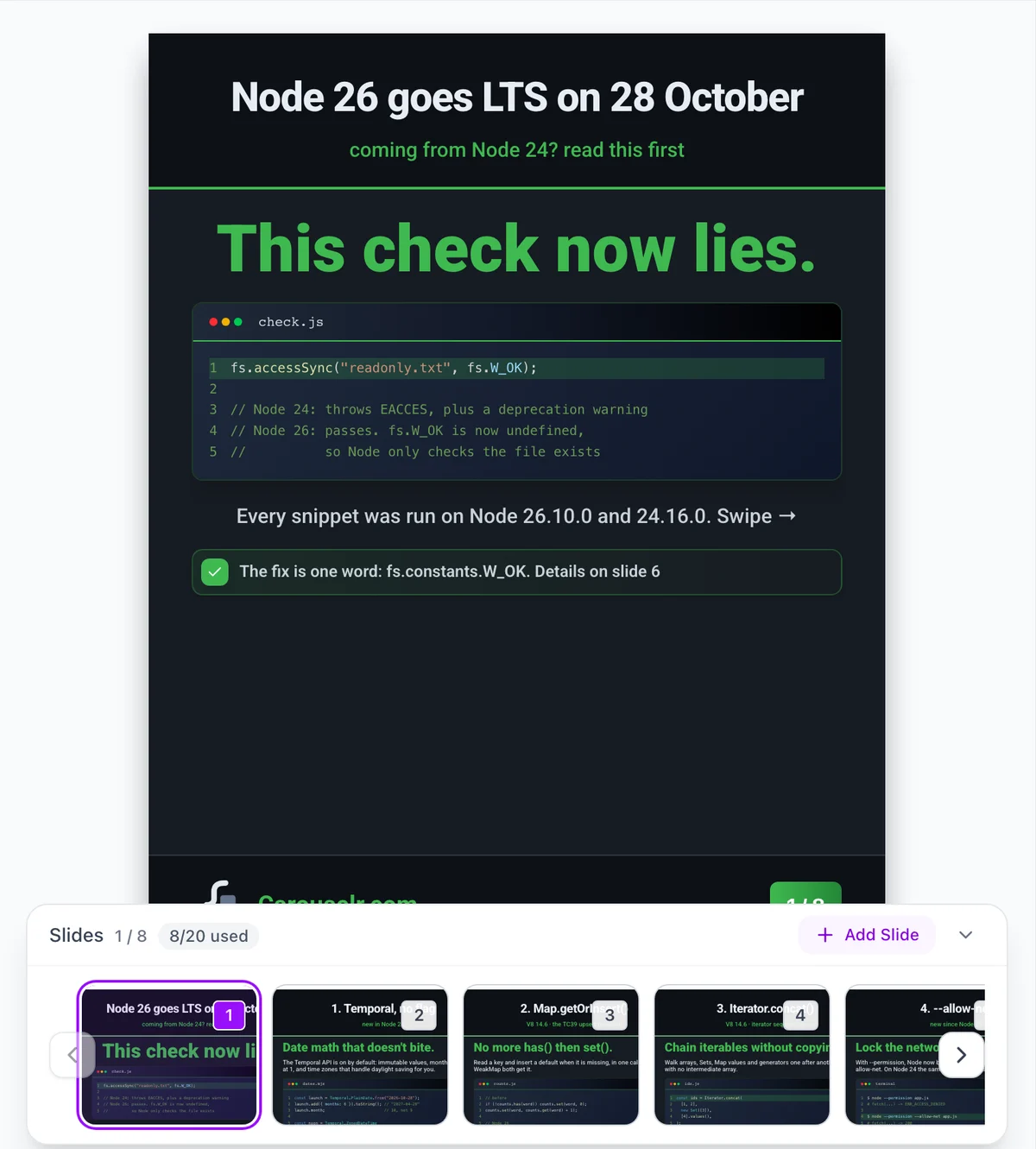
  2. The Carouselr editor showing a slide with a highlighted code block and the slide strip below it.

    2 Edit the draft

    AI drafts every slide, code included. Fix what it got wrong, highlight lines, change the theme.
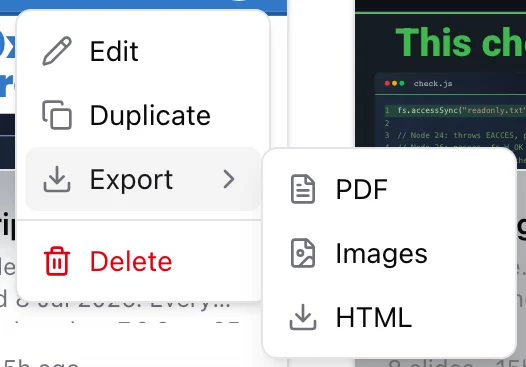
  3. The Export menu of a carousel in Carouselr, offering PDF, Images and HTML.

    3 Export the PDF

    Upload it to a LinkedIn post as a document. Pro also exports PNG images and HTML.

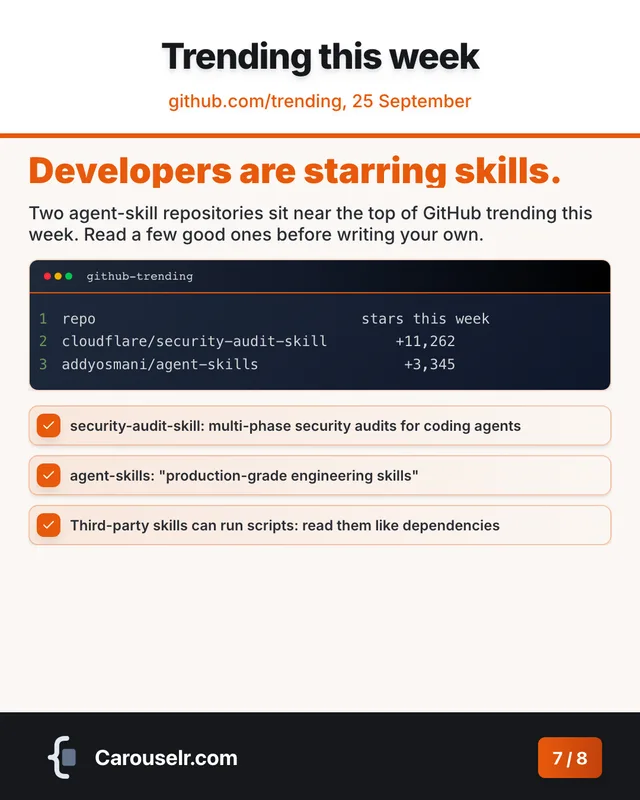
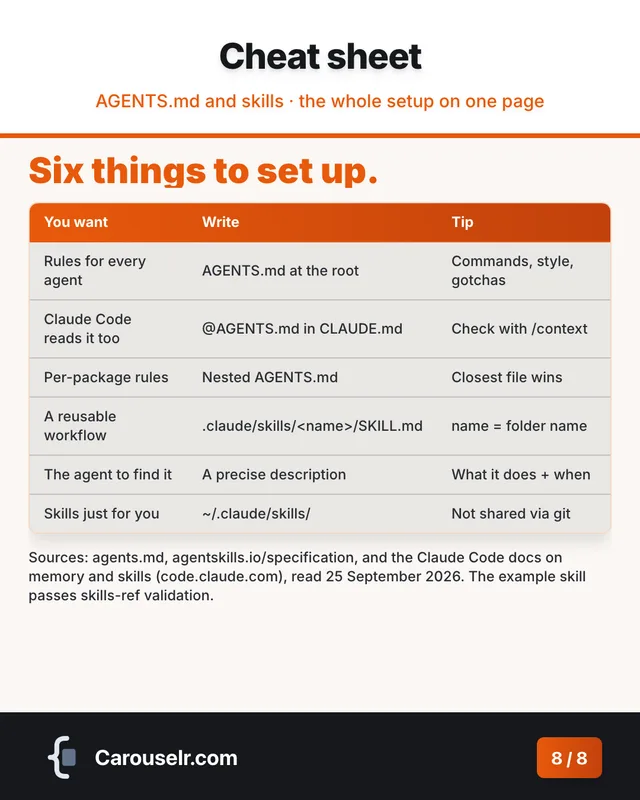
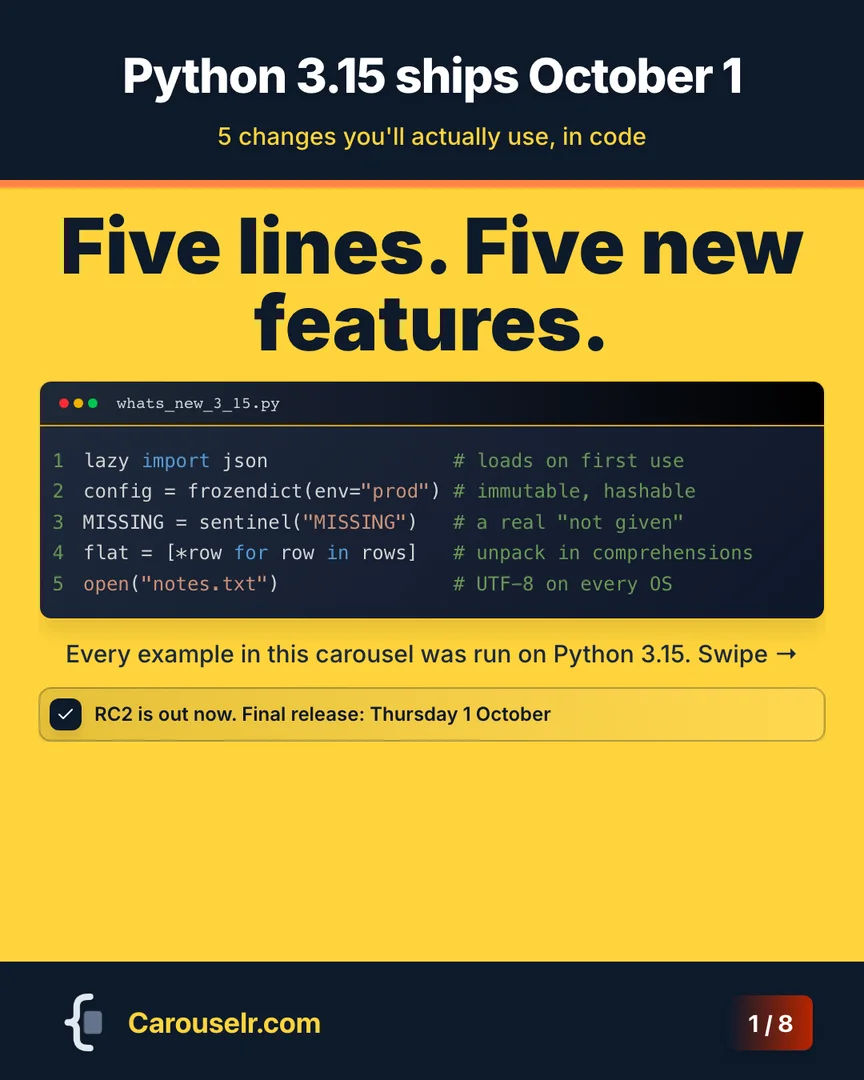
Four carousels, made in Carouselr.

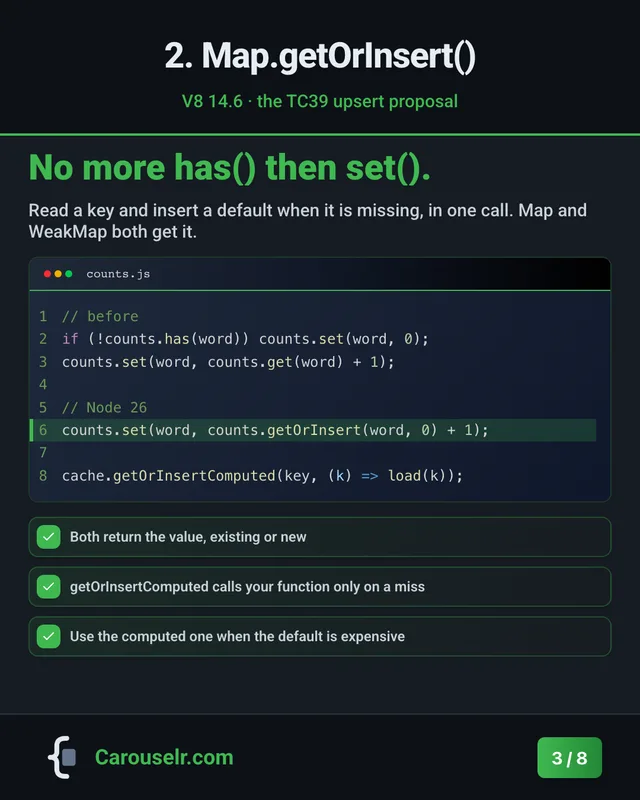
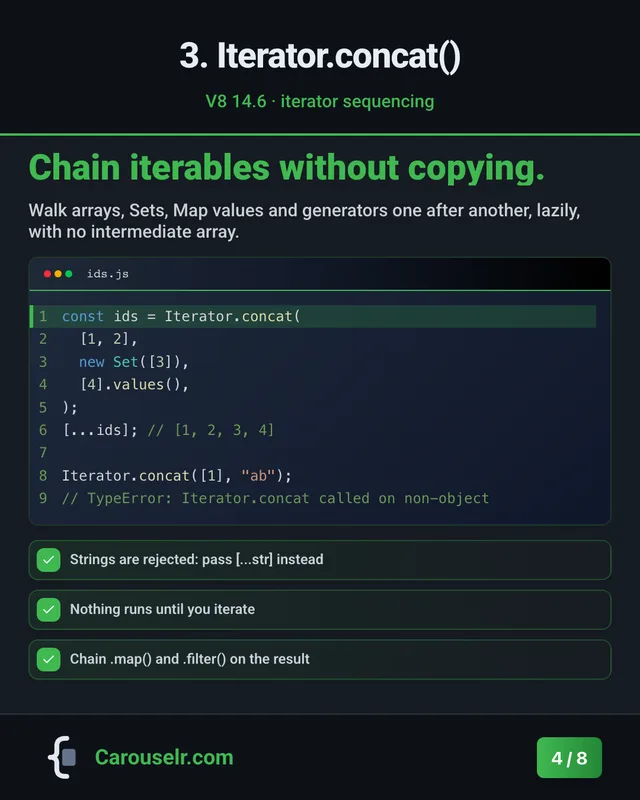
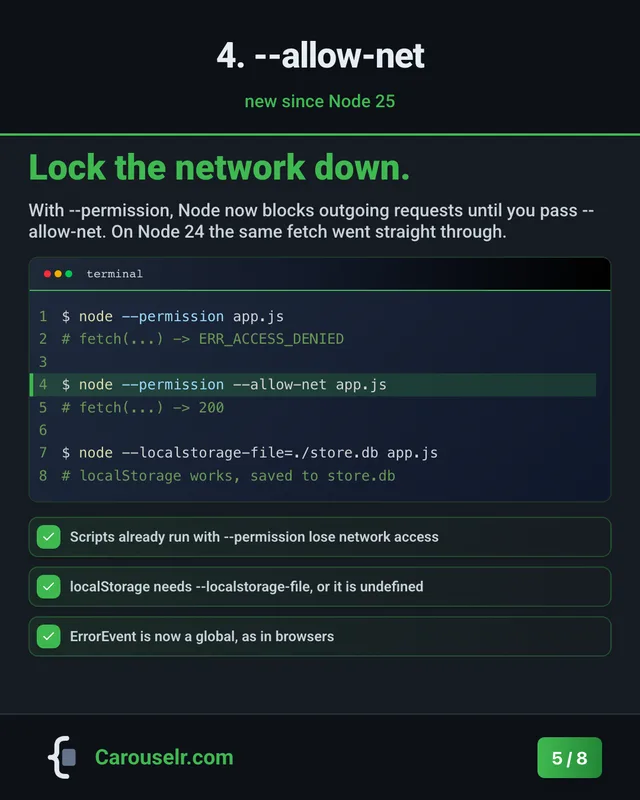
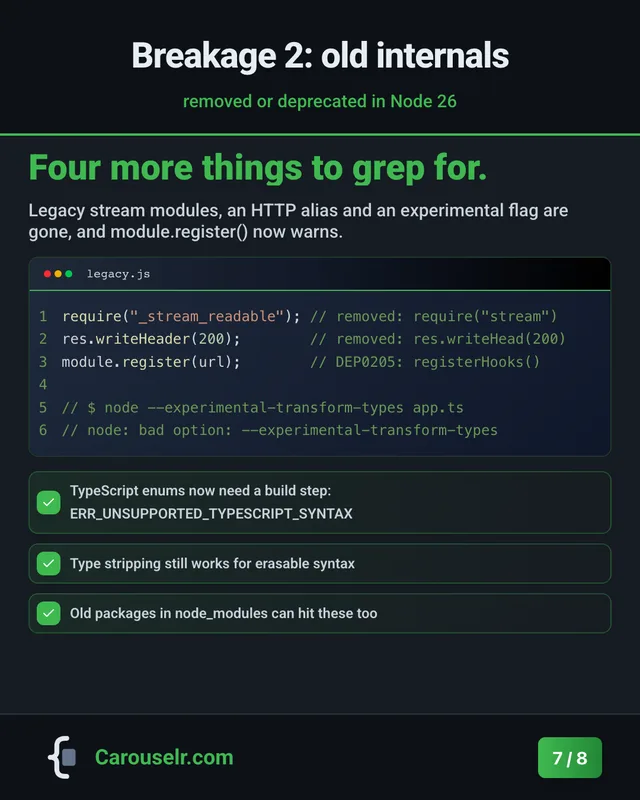
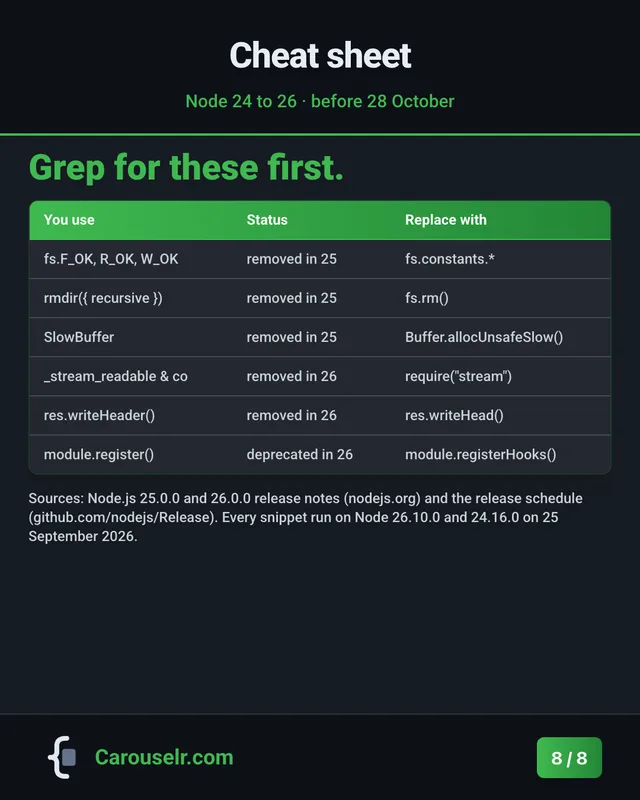
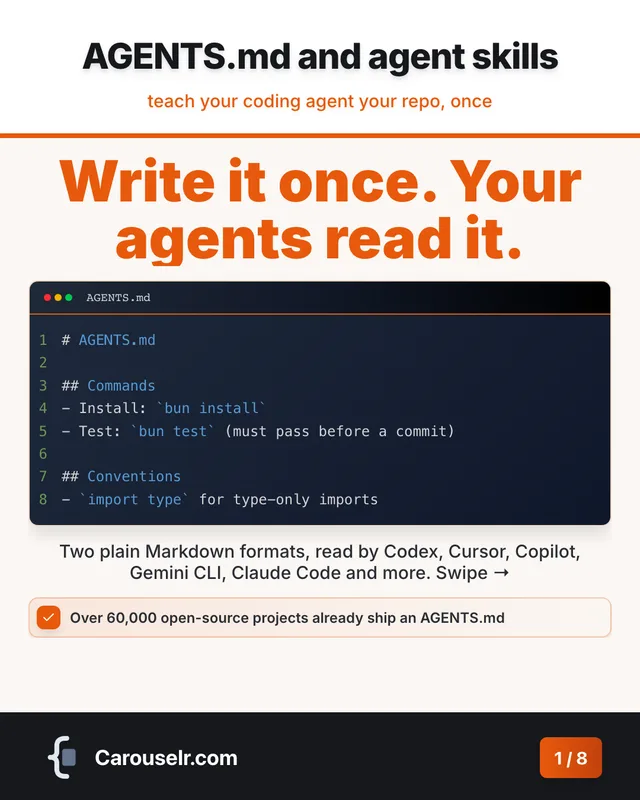
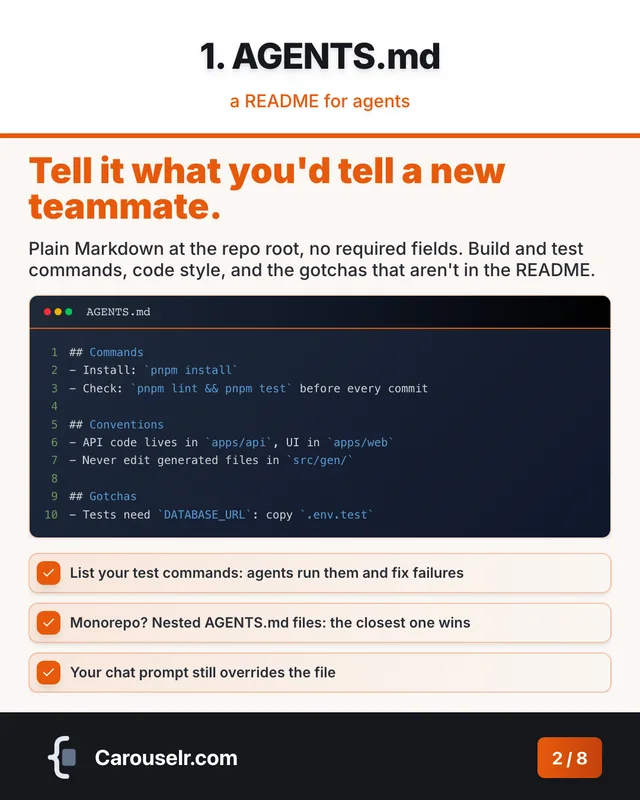
Eight slides each, four different themes. Every code sample ran before it went on a slide.
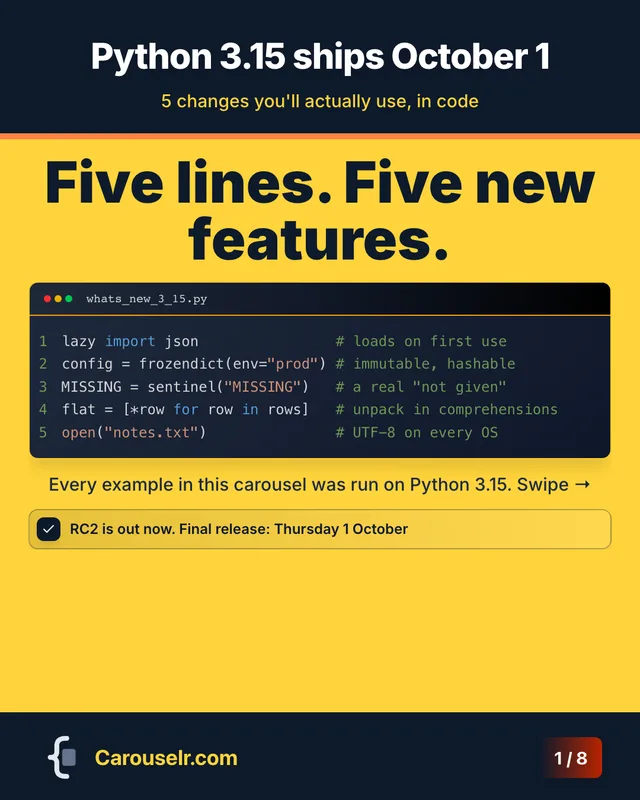
  1. Slide 1: Python 3.15 ships October 1. Five lines. Five new features. Code block: whats_new_3_15.py.
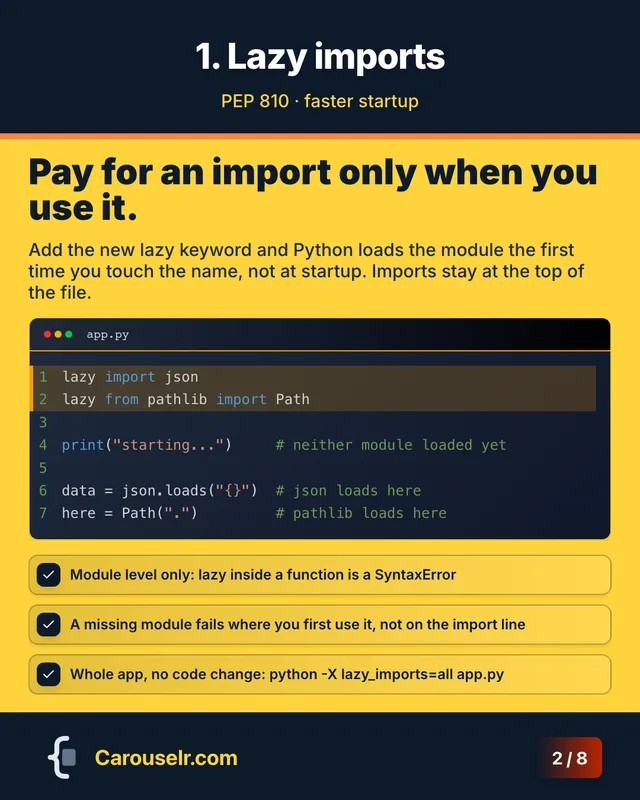
  2. Slide 2: 1. Lazy imports. Pay for an import only when you use it. Code block: app.py.
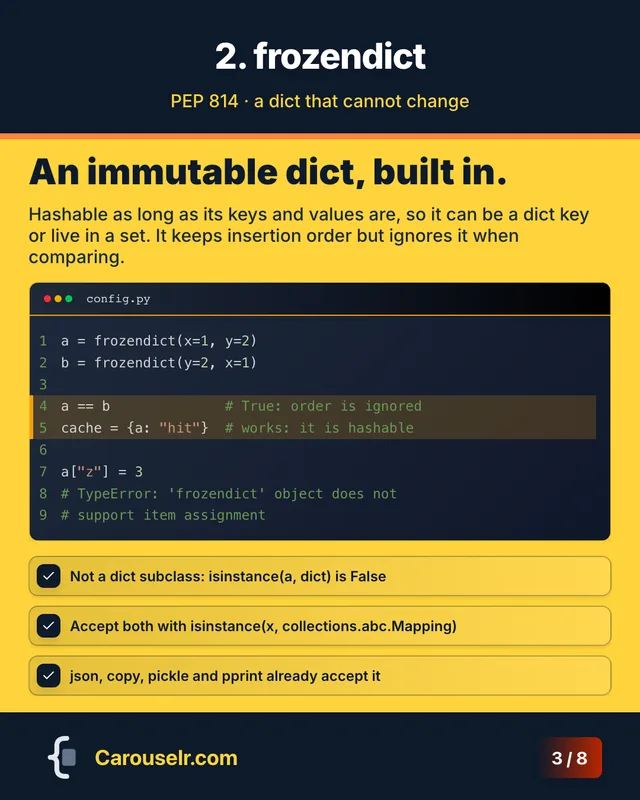
  3. Slide 3: 2. frozendict. An immutable dict, built in. Code block: config.py.
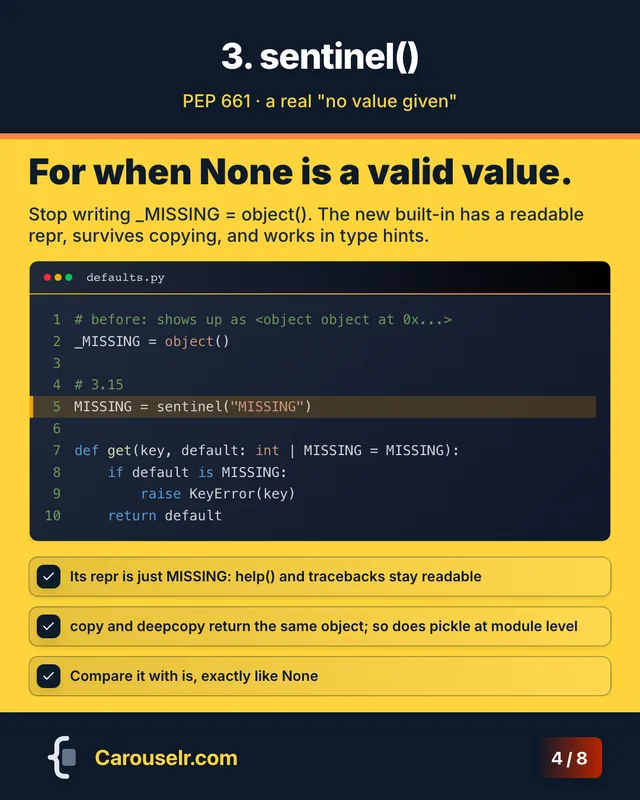
  4. Slide 4: 3. sentinel(). For when None is a valid value. Code block: defaults.py.
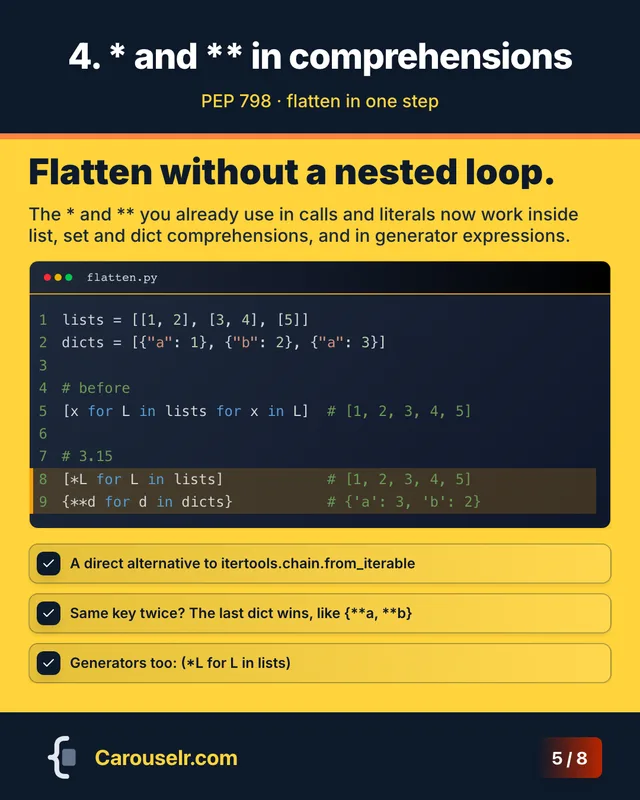
  5. Slide 5: 4. * and ** in comprehensions. Flatten without a nested loop. Code block: flatten.py.
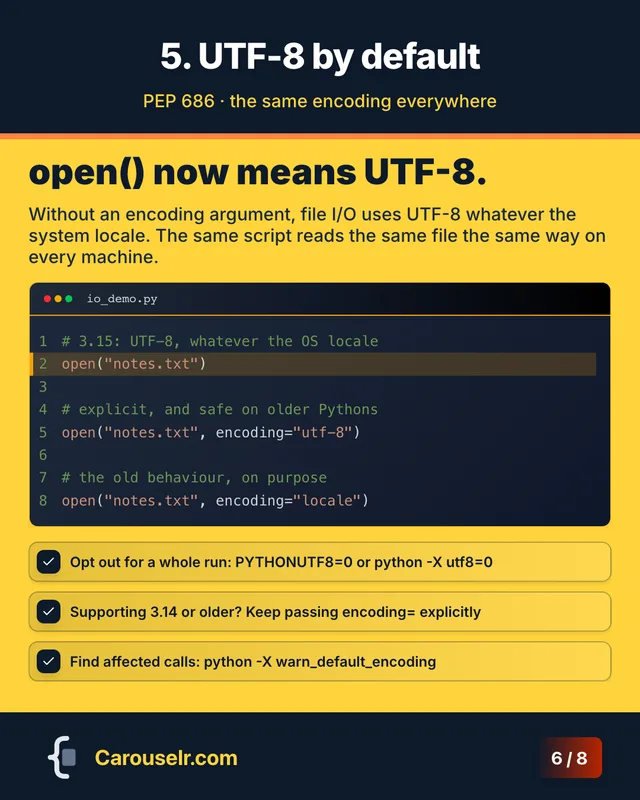
  6. Slide 6: 5. UTF-8 by default. open() now means UTF-8. Code block: io_demo.py.
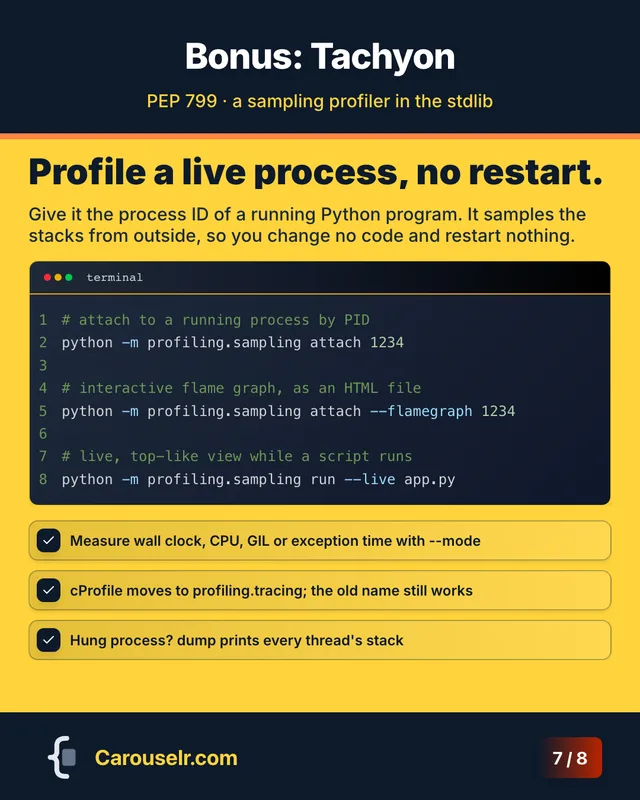
  7. Slide 7: Bonus: Tachyon. Profile a live process, no restart. Code block: terminal.
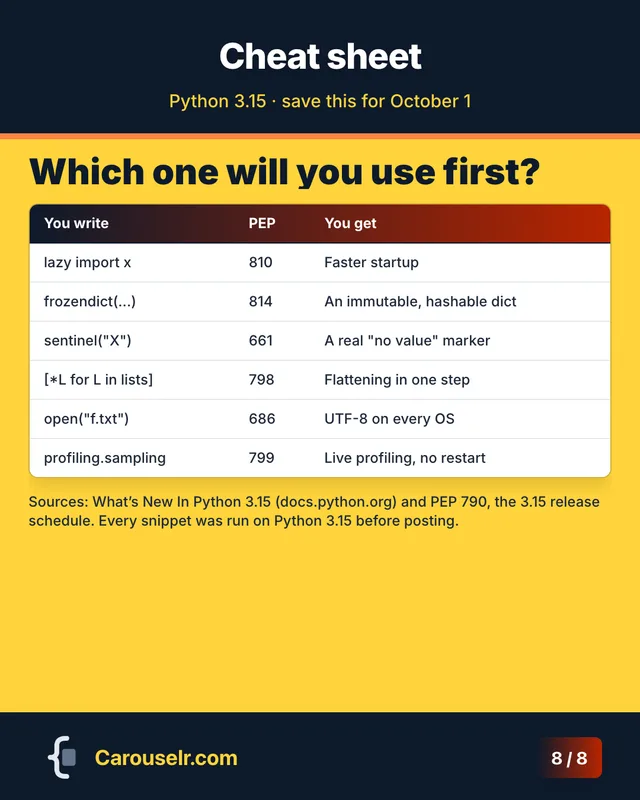
  8. Slide 8: Cheat sheet. Which one will you use first? A summary table.

Everything a code post needs.

  • Real syntax highlighting

    30 languages, from Python and TypeScript to Rust, SQL and Bash.

  • Line highlights

    Point at the line that matters, with line numbers and a filename bar.

  • AI first draft

    One topic line in, a full carousel out, code included. Your first 10 AI slides are free.

  • Themes

    Colours, fonts, header and footer styles. Set them once, every slide follows.

  • Sized for the feed

    Portrait 4:5 at 1080 × 1350 px, plus square and 16:9.

  • PDF for LinkedIn

    Export a PDF and post it as a document. PNG and HTML on Pro.

  • Duplicate to reuse

    Copy a carousel or a slide and keep its look for the next post.

  • Your name on every slide

    Your logo, name and a slide counter in the footer.

Start free. Go Pro when you post every week.

Pro removes the limits and the watermark.

Free

Try it on your next post.

€0

No card needed

  • 3 carousels
  • 8 slides per carousel
  • PDF export
  • 10 AI slides, once
  • Carouselr watermark on slides
Start free

Pro No watermark

For developers who post every week. That is under €3 a carousel.

€12 / month

Tax included. Billed monthly, cancel anytime.

  • Unlimited carousels
  • 20 slides per carousel
  • PDF, PNG and HTML export
  • 100 AI slides every month
  • No watermark
  • Folders to sort your carousels
Get Pro

Secure checkout by Polar. VAT is included in the price.

Questions

Why not just post a screenshot of my code?

A screenshot shows the code and leaves the reader to find the point. A carousel puts the point in each slide's title, highlights the line that matters and walks through one idea per slide.

How do I post a carousel on LinkedIn?

Export it as a PDF. On LinkedIn, start a post, add a document, upload the PDF and give it a title. LinkedIn shows it as a carousel people swipe through.

What is an AI slide?

Each slide the AI drafts uses one credit. A new account gets 10, once. Pro gets 100 every month, and unused credits do not carry over. Slides you build yourself never use credits.

Which languages get syntax highlighting?

30: JavaScript, TypeScript, Python, Java, C++, C, C#, Go, Rust, PHP, Ruby, Swift, Kotlin, SQL, HTML, CSS, SCSS, JSON, YAML, Markdown, Bash, Shell, PowerShell, Dart, R, Scala, Elixir, Haskell, Lua and Perl.

Can I cancel Pro?

Yes, from Billing in your account settings. Pro stays active until the end of the month you paid for, then your account moves to the Free plan.

Who handles the payment?

Polar sells Pro on our behalf as the merchant of record: it takes the payment and handles the VAT for your country.

Put your next code sample in a carousel.

Free plan, no card needed. Your first 10 AI slides are on us.

Start free