Personal branding, for a developer, means being known for a specific stack by the people who hire you or buy from you. You get there by posting what you build and learn, on a schedule you can keep, and the easiest schedule to keep is the release calendar of the tools you already use.
What is personal branding for developers?
Strip the marketing words off and it’s a simple thing. When someone in your network needs a Python person, or a person who has already been through the TypeScript 7 upgrade, your name comes to mind. That’s it.
Most developers dislike the idea, and the reasons are fair. It sounds like self-promotion, the advice around it is full of hooks and growth hacks, and good work should speak for itself. The trouble is that good work in a private repo speaks to nobody. Posting how you fixed a breaking change isn’t bragging. It’s the same thing you’d write in a pull request description, for a wider audience, and it saves the next person an afternoon.
Pick two or three topics from your real stack
Don’t pick topics for their audience size. Pick the ones you touch every week, because those are the ones you can post about without research, and the ones where you’ll notice what changed.
A backend developer might pick Node.js, PostgreSQL and the CI setup. A data person might pick Python, pandas and the notebook tooling. Keep the list short. Two or three topics are enough for people to connect your name with something. Ten topics and they connect it with nothing.
Follow the release calendar
This is the part that makes posting easier for developers than for almost anyone else: your tools publish their own schedule. A new version gives you a dated reason to post, a subject people are already reading about, and a clear scope. You don’t need ideas. You need the changelog and an hour with the new version.
Here is the month we built from our own four carousels, with dates checked against each project’s official page:
| Date | What happens | Our carousel |
|---|---|---|
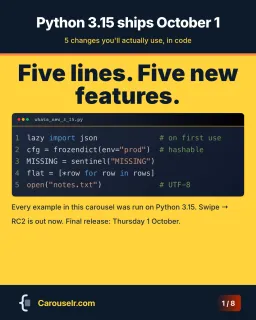
| Thursday 1 October 2026 | Python 3.15.0 final (PEP 790, expected date) | Five changes you’ll use, in code |
| Any week | AGENTS.md has no release date: an evergreen topic | Write it once, your agents read it |
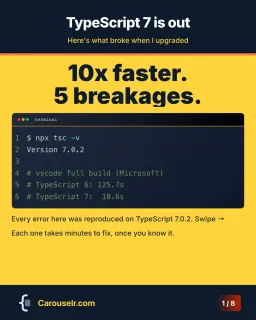
| Any week since 8 July 2026 | TypeScript 7.0 is out (announcement) | Five things that broke when upgrading |
| Tuesday 20 October 2026 | Node.js 24 enters maintenance (release schedule) | |
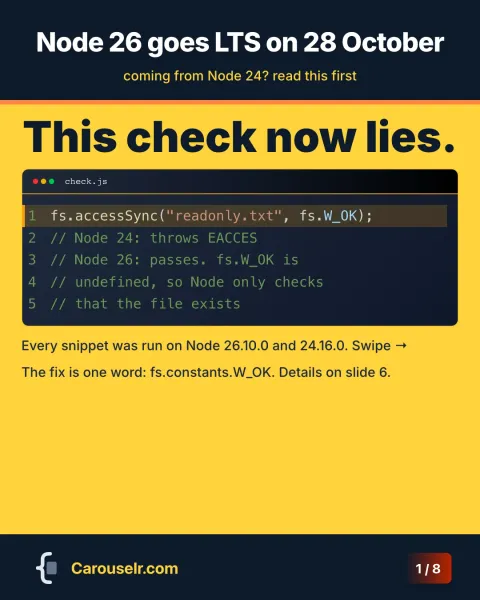
| Wednesday 28 October 2026 | Node.js 26 becomes Active LTS | What you gain, what breaks |
Two things make this work. The date gives you a deadline, which is what gets a post finished. And the post is useful on the day people go looking: the week a version lands is the week they want to know what breaks.
Post a few days before a release, not after. Python ships betas and release candidates months before the final, so everything on the carousel can be tested ahead of time. That’s what we did: every snippet in the Python carousel was run on a 3.15 beta before it went on a slide.
For Node.js the useful date is the switch to LTS, not the first release. The project’s own advice is plain: “Production applications should only use Active LTS or Maintenance LTS releases” (nodejs.org). The release schedule tells you exactly when that switch happens. Our Node 26 carousel goes out between 20 October, when Node 24 goes into maintenance, and 28 October.
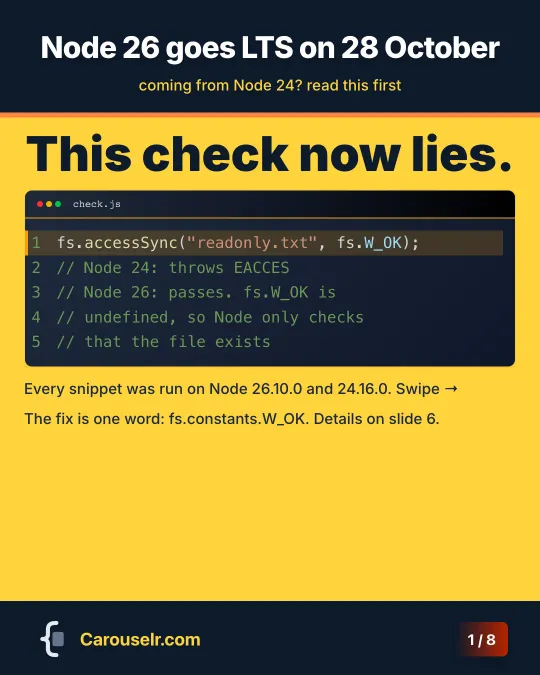
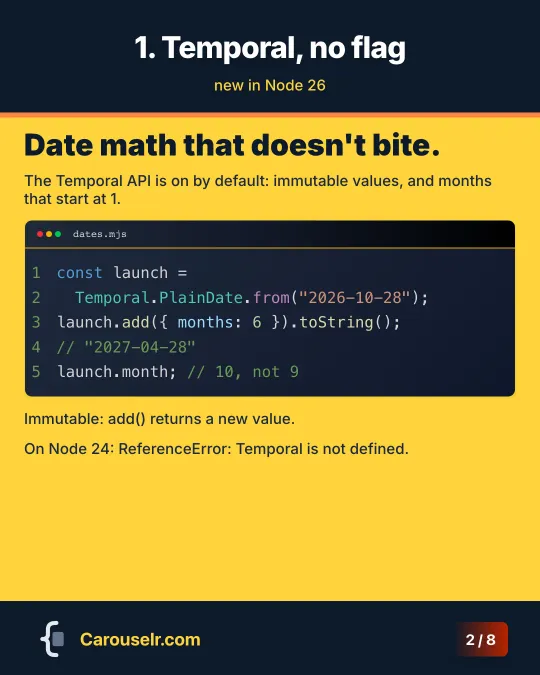
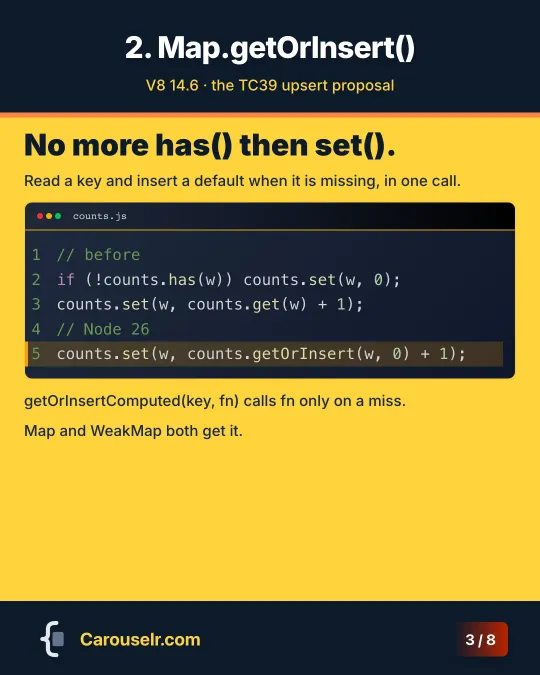
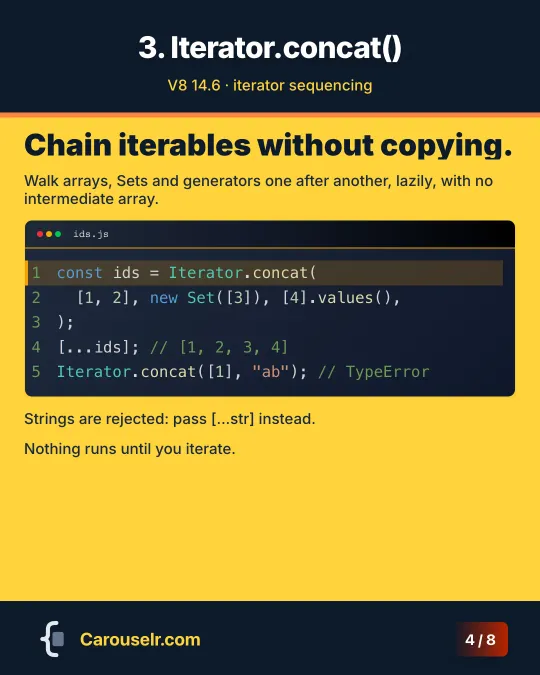
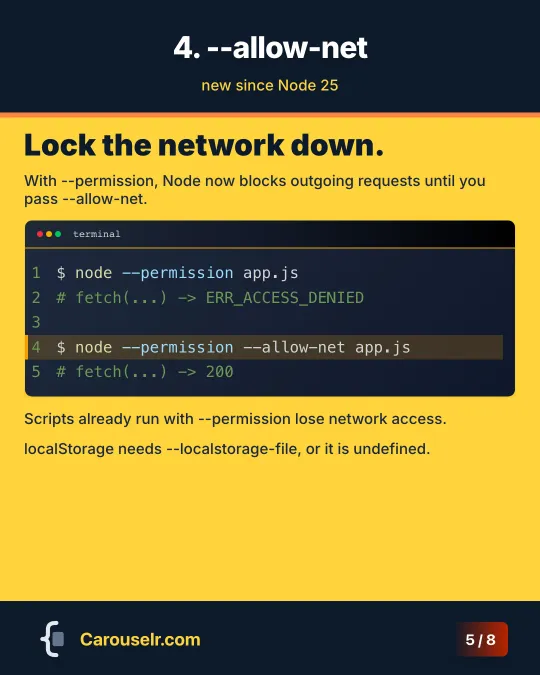
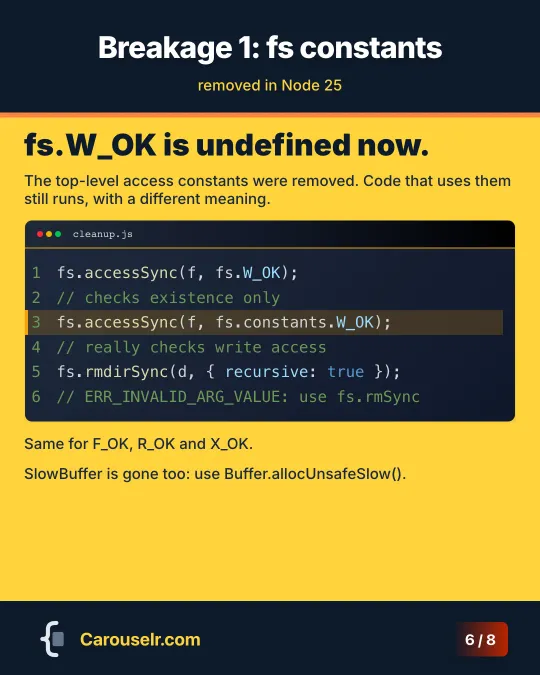
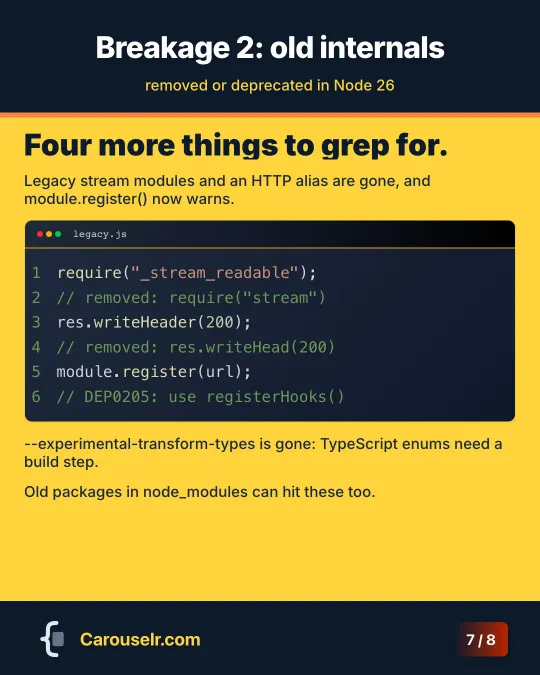
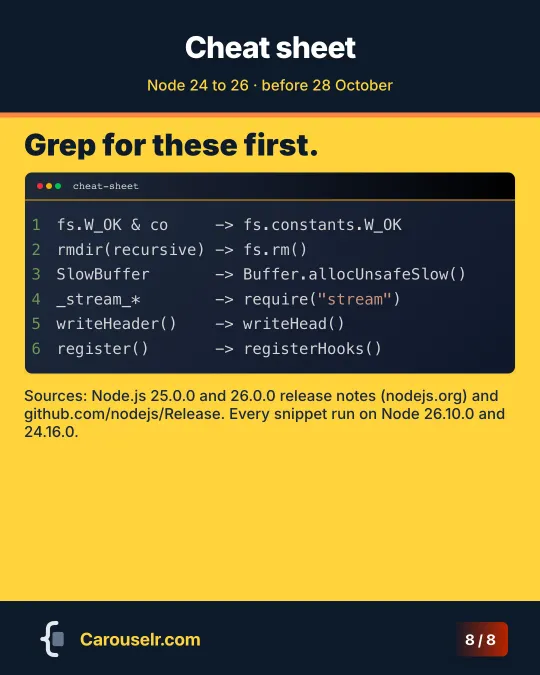
Between releases, use evergreen topics: a tool or a file format that isn’t tied to a date. AGENTS.md is ours. Keep one or two in reserve for quiet weeks.
A pace you can keep
We won’t give you a follower growth figure. We don’t have one we trust, and yours will depend on your network more than on your schedule.
What we can give is advice. Pick a pace that survives a busy month. For most working developers that’s one carousel a week at most, or one per release in your stack. Missing a week doesn’t cost much. Quitting after three weeks of a pace you couldn’t hold costs everything you started.
It also helps to decide the format once. If every post is an 8-slide carousel with a cover, the changes and a cheat sheet, you spend your time on the content instead of the layout. That’s why our four carousels look alike.
Two profile fields that turn a view into a contact
A good post sends people to your profile. Two fields decide whether they stay.
Your headline. It’s “the text below your name in the introduction section on your profile”, and LinkedIn notes it’s “displayed in search results and can be separate from the title of your current position” (LinkedIn Help). Use it for your stack, not only your job title. “Backend developer, Node.js and PostgreSQL” tells a visitor more than “Senior Engineer” at a company they don’t know.
The Featured section. LinkedIn lets you feature “posts that you’ve authored, articles you’ve published on LinkedIn, and even external media like images, documents and links” (LinkedIn Help). Put your best two or three carousels there, so a visitor sees your work before your job history.
What to measure
LinkedIn’s post analytics show three groups of numbers that matter for this (LinkedIn Help):
- Discovery: impressions, the number of times your post was shown, and members reached, the distinct members and Pages that saw it.
- Profile activity: profile viewers from this post, and followers gained from this post.
- Engagement: reactions, comments, reposts, saves and sends on LinkedIn.
If the goal is to be known for your stack, watch profile viewers and followers gained from each post more than reactions. They tell you whether the post made someone want to know who wrote it. Saves are worth a look too: people save what they plan to use.
Two caveats from the same help page. LinkedIn says the numbers are estimates and may not be precise. And its list of post types with analytics names text posts, images, videos, events, polls and articles, but not documents, so check what your own document posts show before you plan around a number.
Where to start
Pick the next release in your stack, read its changelog, and try the changes that affect you. Then make eight slides. For the format, see LinkedIn carousels for developers. For keeping the code readable on a phone, see how to post code on LinkedIn. We make Carouselr for exactly this kind of post.